
Buying Logistics Software for an Industrial Plant: Questions to Ask Before You Sign
Most logistics software looks good in a demo. The map shows trucks moving, the dashboard shows clean charts, and every report loads quickly. The real test comes later, when hundreds of trucks reach the gate in a few hours, half of them belong to hired transporters, and finance needs to close freight bills by the fifth of the month. This checklist is for mining, cement, steel, and power companies that want to find out how a system will behave in those conditions before they commit to it.
Start with your own problem list
Before you speak to any vendor, write down the problems you want solved, in your own words, and rank them. Without that list, the evaluation drifts toward whichever product has the most features or the best presentation.
- Name the pain, not the feature: "Trucks wait too long at the weighbridge" is more useful than "we need RFID."
- Say who feels it: Gate security, the weighbridge operator, the dispatch team, the stores team, or finance.
- Note how you handle it today: Registers, spreadsheets, phone calls, or an older system. This tells you what has to be replaced and what has to connect.
- Decide how you will know it is fixed: For example, fewer weighment disputes, faster freight bill approval, or knowing how many trucks are waiting outside the plant at any time.
Share this list with every vendor on your shortlist and ask them to show how their product handles each item. A vendor that answers with a general product tour instead of your problems is giving you useful information.
Fit with how your plant actually runs
Industrial logistics has more handoffs than most software assumes. An inbound or outbound trip can pass through an order, a transporter, a driver, a gate check, a gross weighment, a loading or unloading bay, a tare weighment, a gate pass, and a freight bill. Each step is usually owned by a different team. The software has to follow the trip across all of them, not just one.
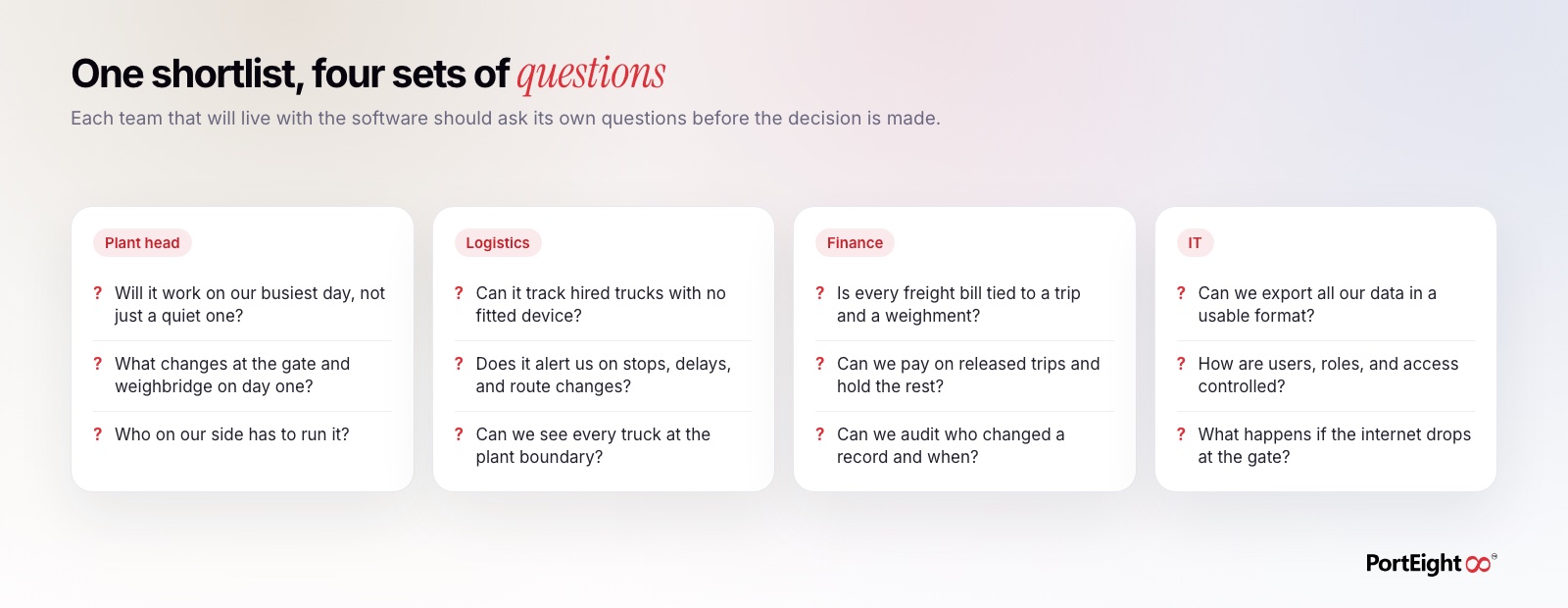
- Ask the vendor to walk through one full trip in your flow: Start from the order and end at the paid freight bill, using your material, your gate, and your weighbridge layout.
- Ask about your busiest day: How does the system behave when many trucks arrive at once? What does the gate operator see, and how many clicks does each truck take?
- Ask what changes on day one: Which registers stop, which screens replace them, and who needs training.
- Ask how exceptions are handled: A truck with an expired document, a weighment outside tolerance, or a trip that never closed. Normal trips are easy; exceptions are where the work is.
Hired trucks, transporters, and drivers
Many plants move most of their material in trucks they do not own. If the software only works well for an owned fleet with fitted devices, it will leave the largest part of your logistics in the dark.
- How are hired trucks tracked? Ask what the transporter or driver has to do, and what happens when a truck changes from one trip to the next.
- Can you see trucks before they reach the gate? Geofences around the plant boundary and loading points show how many trucks are waiting and how long they have been there.
- How are vehicle and driver documents checked? Ask whether fitness, permits, and licenses can be verified against Parivahan and Sarathi before the truck is allowed in.
- What does the transporter see? A transporter who can view orders and trip status online makes fewer phone calls to your dispatch team.
Data capture at the gate and weighbridge
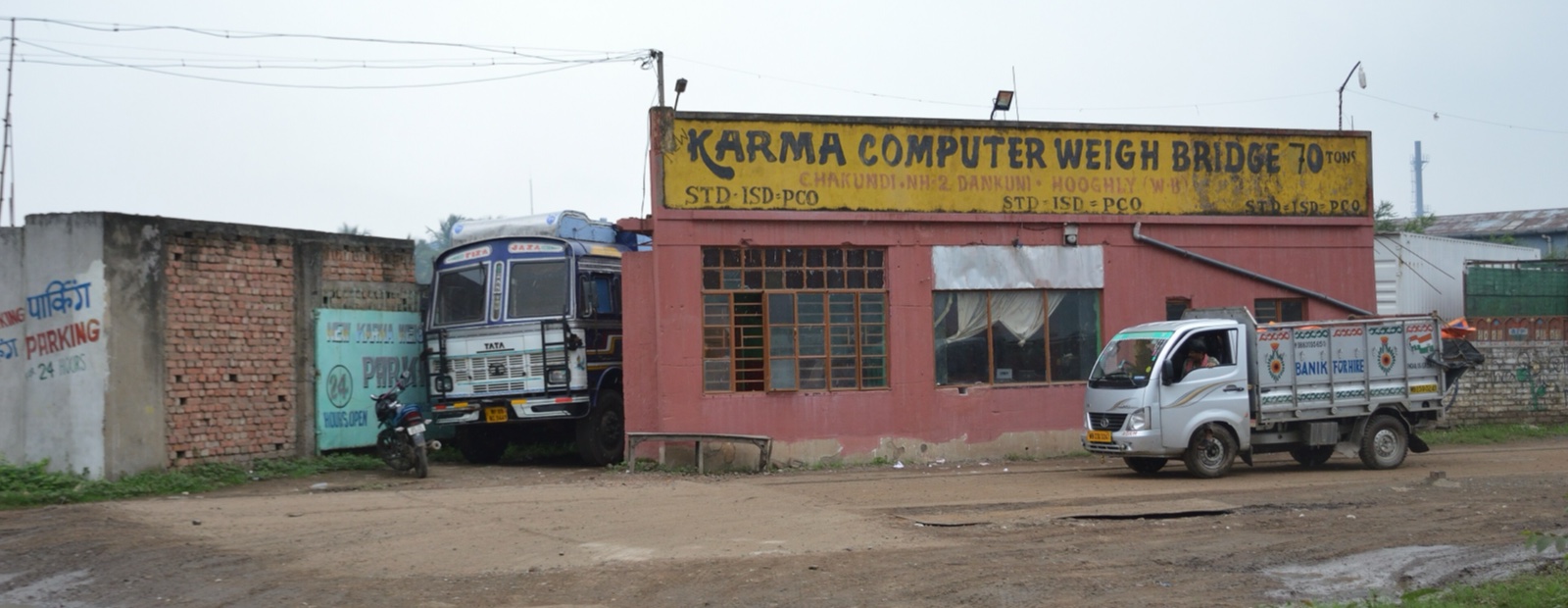
Reports are only as good as the data behind them. The most common source of bad data in plant logistics is manual entry: a clerk typing a vehicle number, a weight, or a time. Ask every vendor exactly where each piece of data comes from.
- Vehicle identification: Is the truck identified by RFID or camera-based number plate recognition, or does someone type the number?
- Weights: Are gross and tare weights read directly from the weighbridge indicator, or entered by hand? Are camera images stored with each weighment?
- Trip linking: Is each weighment attached to a specific trip and order automatically, or matched later in a spreadsheet?
- Audit trail: If someone edits a weight or a trip, is the original value kept along with who changed it and when?
- Connectivity: What happens at the gate or weighbridge if the internet connection drops for an hour?
Finance, invoicing, and data ownership
Finance teams often join the evaluation late, after logistics has already chosen a favorite. That is a mistake. Freight payments, transporter disputes, and supplier settlements all depend on the trip data the system collects, and finance will be the team that relies on it most at month-end.
- Freight bills: Can each line of a freight bill be matched to a trip, its weights, and the agreed rate without manual reconciliation?
- Holds and exceptions: Can you pay trips that are clear and hold only the trips with a weight variance or an open question?
- Digital orders and payments: Can freight orders, invoices, and payments run in the same system as the trip record, or do they need a separate tool?
- Data ownership: Can you export all of your trip, weighment, and payment data in a standard format at any time, including if you stop using the product? Put this in the contract.
- Access control: Can you set roles so that, for example, a gate operator cannot change a weight and a transporter sees only their own trips?
Run a pilot before you sign
A demo shows what the software can do. A pilot shows what it does at your plant, with your people, on a normal week. Keep the pilot small enough to set up quickly but real enough to matter.
- Pick one flow: One plant, one material, or one gate and weighbridge. Avoid starting with every site at once.
- Agree on the measures in advance: Use the "how we will know it is fixed" items from your problem list, and record where they stand before the pilot starts.
- Include hired trucks and busy days: A pilot that only covers owned trucks on quiet shifts will not tell you much.
- Involve the people who will use it daily: Gate staff, weighbridge operators, dispatch, and the finance team that approves freight bills.
- Review together at the end: Compare results against the measures you agreed on, list what did not work, and ask the vendor how each gap will be closed.
How PortEight helps
PortEight is built for industrial logistics in India, where trips cross many teams and many trucks are hired. GPS fleet tracking and geofencing show where each truck is, when it will arrive, and how many are waiting at the plant boundary or loading points. Vehicle and driver documents can be checked through Parivahan and Sarathi before the truck reaches the gate. Manless weighbridge automation identifies each vehicle by RFID or camera-based number plate recognition and records weights directly, so weighments are linked to the right trip without manual entry.
Digital freight orders, invoicing, and payments use the same trip record, so finance can settle trips that are clear and review only the exceptions. Everything comes together in the central dashboard, where plant heads, logistics managers, and finance teams see the same facts. If you are evaluating logistics software, bring your problem list to a PortEight demo and ask us to walk one of your own trips from order to payment.
Take control of your logistics
operations in real time
Automate tracking, optimize movement, and eliminate delays across your entire supply chain.
Contact Us